A little guidance.
Answers about getting started, finding your rhythm, and making Flowtime your own.
Getting started ↓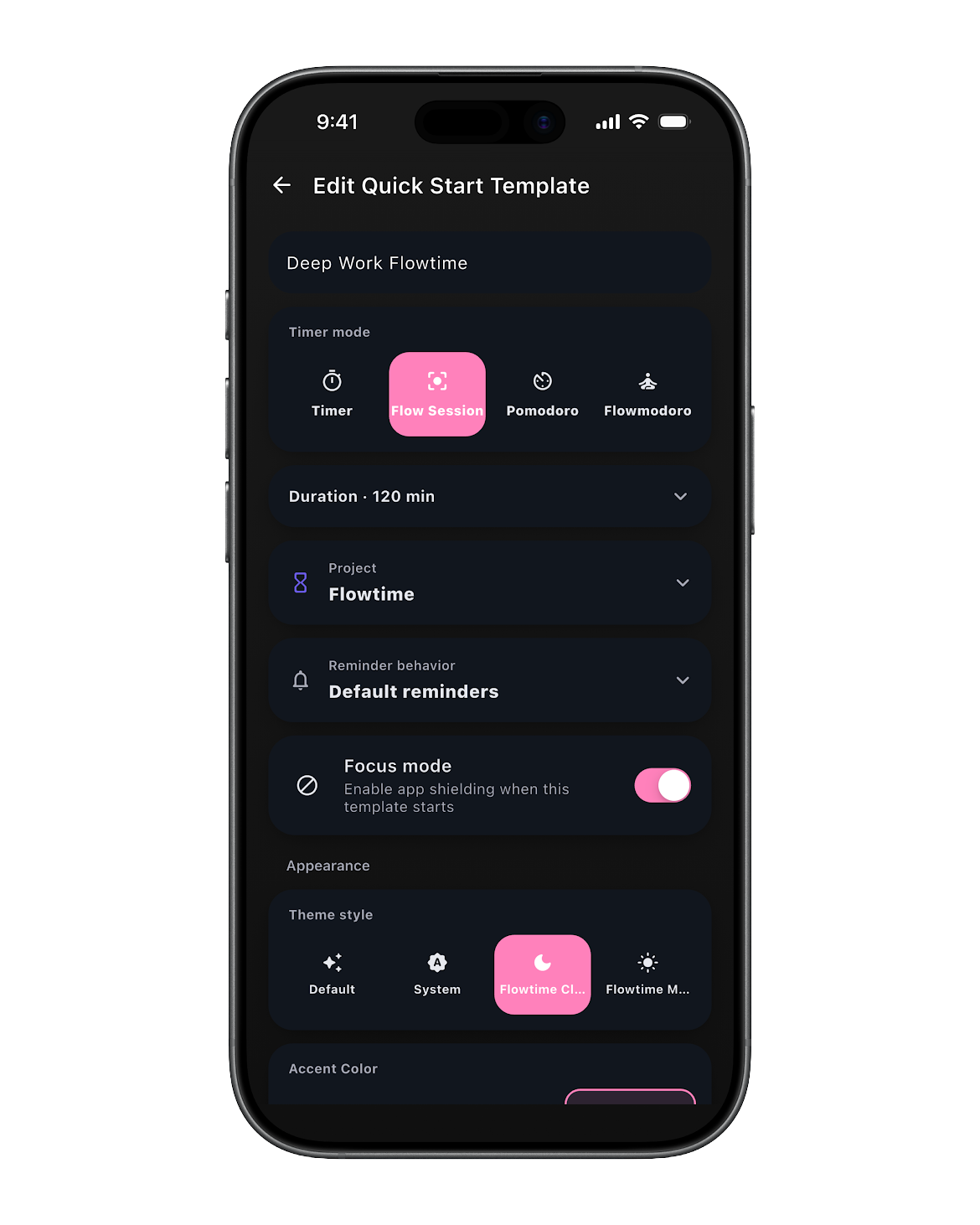
Getting started
What is Flowtime?
Flowtime is a flexible focus timer and personal time tracker for iPhone and Android. Use it for work, study, creative projects, or simply noticing where your time goes.
Do I need an account?
No account is required. Open the app and start a timer. Your timer and project data are stored locally on your device.
Which devices are supported?
Flowtime is available for iPhone through the App Store and for Android through Google Play. Check your store listing for the current device and operating system requirements.
Who is Flowtime for?
For work, study, creative projects, and anyone who wants to see where their time goes. Especially when starting, stopping, or noticing time doesn’t come easily.
Which languages does the app support?
English, German, Spanish, French, Italian, Japanese, Korean, Dutch, Polish, and Portuguese.
Timers & focus
Which timer mode should I use?
Classic counts up without a fixed end. Pomodoro alternates focus and break intervals. Flowmodoro lets your focus session determine your break, while Flow Sessions let you set a target without rigid intervals. Start with the mode that feels easiest for the task in front of you.
Can Flowtime remind me that time is passing?
Yes. Focus reminders help you notice passing time without constantly checking the timer. Pro adds Reminder Profiles so you can tailor reminders to different kinds of work.
How does App Shielding work?
App Shielding is an optional Pro feature that helps block distracting apps during focus. You choose whether to use it and grant the permissions it needs. An override keeps you in control when you need access.
Is it just a Pomodoro timer?
Pomodoro is one option. Classic counts up, Flowmodoro bases breaks on your focus time, and Flow Sessions let you choose a target without rigid intervals.
Free & Pro
What is included for free?
Free includes the standard timer, basic notifications, Pomodoro with fixed intervals, one project, and one day of history.
What does Pro add?
Pro adds Flow Sessions, Flowmodoro, custom Pomodoro intervals, unlimited projects and history, App Shielding, Quick Start Templates, Reminder Profiles, accent colors, reports, and exports.
Where do I buy Pro?
Download Flowtime from your app store, then choose Pro inside the app. Monthly, yearly, and lifetime options are available. Your store displays the final local price and purchase terms before you confirm.
How do I manage my subscription?
Use the subscription settings of the Apple or Google account used for your purchase. If a purchase is not showing in Flowtime, contact support with your platform and app version.
Privacy & support
Does Flowtime work offline?
The timer and locally stored project data do not require an account or cloud sync. Downloading the app, making purchases, and opening external support or store pages require an internet connection.
Does my data sync between devices?
Timer and project data are stored locally on your device. Flowtime does not currently offer cloud sync. Keep this in mind before removing the app or moving to a new device.
How can I report a problem or suggest a feature?
Use the support link below. Include your device, operating system, Flowtime version, and a short description of what happened or what you would like to see.
Still wondering?
Send a question, report a bug, or share an idea.
Contact support ↗